
 🇩🇪
🇩🇪red Settings, Crosshair & Stats
| eDPI | 640 | Resolution | 1024x768 4:3 |
| DPI | 800 | Scaling | Stretched |
| Sensitivity | 0.8 | Refresh Rate | 1000Hz |
| cm/360 | 65cm | Mouse | VAXEE OUTSET AX |
red is a professional CS2 rifler from Germany. red plays with a medium sensitivity setup at 640 eDPI (800 DPI × 0.8 sens), which is below the pro average of 844. red uses 1024x768 resolution (4:3 Stretched) on a ZOWIE XL2566K, paired with a VAXEE OUTSET AX. Calculate your own effective sensitivity using the eDPI Calculator, or use the Sensitivity Converter to match red's setup from another game.
Upcoming Matches
Scheduled matches and tournaments for this player's team.
Mouse & Sensitivity
Mouse & Mousepad
Crosshair
CSGO-zjqWK-TZtbN-tOJEO-Sa7tc-apYbDAdvanced Crosshair Settings
Video & Display
Advanced Video
Viewmodel
viewmodel_fov 68; viewmodel_offset_x 2.5; viewmodel_offset_y 0; viewmodel_offset_z -1.5Monitor Settings
Gear & Peripherals
 MouseVAXEE OUTSET AX
 MonitorZOWIE XL2566K
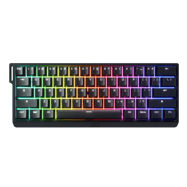 KeyboardWooting 60HE+
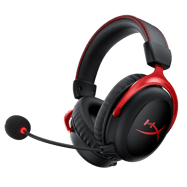 HeadsetHyperX Cloud II Wireless
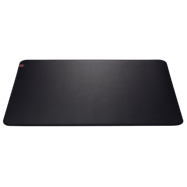 MousepadZOWIE G-SR
PC Specs
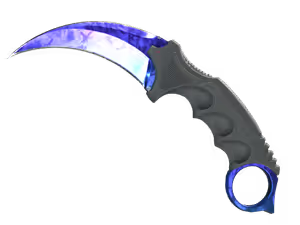
red's Weapon Skins
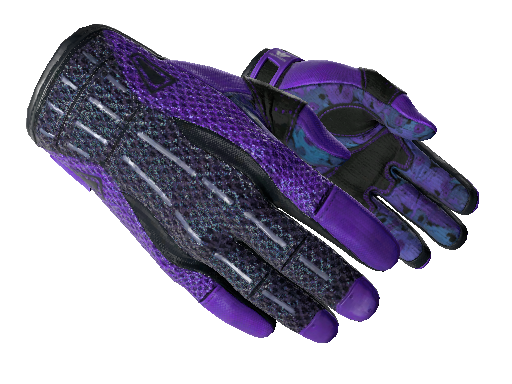
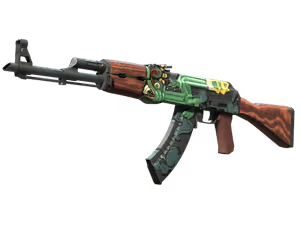
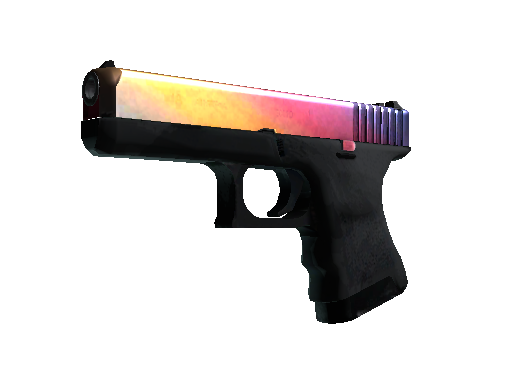
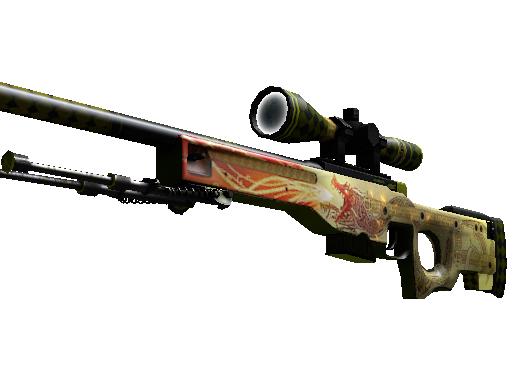
Config & Download
Grab red's full CS2 config as an autoexec file, or copy console commands directly.
// red's CS2 Config — Generated by CSGOLuck Wiki
// https://wiki.csgoluck.com/pro-players/red/

// Sensitivity
sensitivity "0.8"
zoom_sensitivity_ratio_mouse "1"

// Crosshair
cl_crosshairstyle "4"
cl_crosshairsize "2"
cl_crosshairgap "-1"
cl_crosshairthickness "1"
cl_crosshairdot "0"
cl_crosshair_drawoutline "0"

// Viewmodel
viewmodel_fov "68"
viewmodel_offset_x "2.5"
viewmodel_offset_y "0"
viewmodel_offset_z "-1.5"

// Launch Options: -freq 360 -novid -console -tickrate 128 +fps_max 0
Launch Options
-freq 360 -novid -console -tickrate 128 +fps_max 0Performance Stats
Live stats from professional matches, powered by PandaScore.
Recent Matches
Recent match results for this player's team.
Similar Configs
 🇩🇰 blameFBIG640 eDPI
 🇨🇦 NAFTeam Liquid640 eDPI
 🇵🇱 b1elanyKOLESIE640 eDPI
 🇵🇱 bajmiWalczaki640 eDPI
 🇩🇰 BeccieSashi640 eDPI
 🇩🇰 BoyeECHO640 eDPI
Settings Comparison
| Setting | red | blameF | NAF | b1elany | bajmi |
|---|---|---|---|---|---|
| eDPI | 640 | 640 | 640 | 640 | 640 |
| DPI | 800 | 400 | 800 | 1600 | 1600 |
| Sensitivity | 0.8 | 1.6 | 0.8 | 0.4 | 0.4 |
| Resolution | 1024x768 | 1280x960 | 1280x960 | 1440x1080 | 1280x960 |
| Aspect | 4:3 | 4:3 | 4:3 | 4:3 | 4:3 |
| Scaling | Stretched | Stretched | Stretched | Stretched | Stretched |
| Mouse | VAXEE OUTSET AX | Logitech G Pro X Superlight Magenta | Logitech G Pro X Superlight 2 White | Razer Viper V3 Pro Black | Razer Viper V3 Pro Black |
| Refresh Rate | 1000Hz | 1000Hz | 4000Hz | 4000Hz | 2000Hz |
Frequently Asked Questions
What sensitivity does red use in CS2?
red uses 800 DPI with 0.8 in-game sensitivity, resulting in 640 eDPI. This translates to approximately 65 cm per 360-degree turn. This is below the pro average of 844 eDPI, suggesting a preference for precision over speed.
What mouse does red use?
red currently uses the VAXEE OUTSET AX at 800 DPI with a 1000Hz polling rate, paired with a ZOWIE G-SR mousepad.
What resolution does red play on?
red plays on 1024x768 (4:3) with Stretched display mode at 1000Hz on a ZOWIE XL2566K.
What is red's crosshair code?
red's crosshair code is CSGO-zjqWK-TZtbN-tOJEO-Sa7tc-apYbD. To apply it, open CS2, go to Settings → Crosshair → Share or Import, and paste the code.